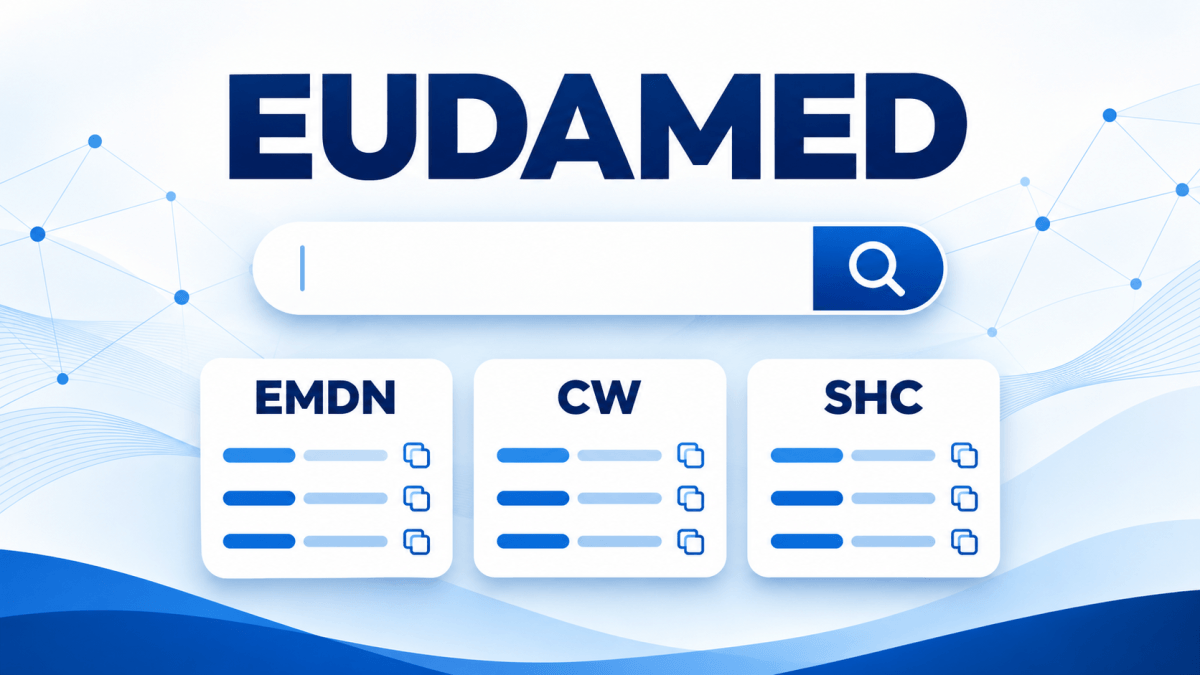
Europe IT Consulting’s free code finder helps you look up EMDN codes, critical warnings, storage conditions and other EUDAMED values directly in your browser.
Which EMDN code fits your medical device? Which code represents a particular warning or storage condition? When preparing UDI data, manufacturers and regulatory affairs teams need to look up numerous standardised values. Our free EUDAMED code finder brings together 24 code lists in one search interface.
Search by code or description
Enter a known code or search for words from its description. Results update as you type and can be filtered by code list. Each result shows the code, its list and its description. Use the copy button to copy the code to your clipboard.
24 code lists. One central search.
The nomenclature used when registering medical devices in EUDAMED.
CW codes for critical warnings and contraindications.
SHC codes for storage and handling conditions.
Clinical Sizes and units of measurement: Values for recording clinical sizes in a structured format.
Other lists: Including risk classes, applicable legislation, certificate types, issuing agencies, languages and device market status.
Search faster with partial terms and wildcards
Searches are case-insensitive. You can enter partial terms and combine multiple search words. The wildcard * stands for any number of characters, while ? stands for exactly one character.
Prepare UDI data more easily
Searching in one place makes it easier to look up standardised values when completing Excel templates or compiling product master data. The search application uses the “UDI EU data upload template GSP V11-3” as its source.
The final selection requires a product-specific assessment: a search result must match the device and the intended data field. For EMDN, select the most specific applicable terminal code, taking the hierarchy into account. The tool supports this assessment; it does not assign codes to products automatically.
Find the right code for your UDI data.
Need help preparing or submitting your UDI data? Talk to Europe IT Consulting about your requirements.









Related Posts