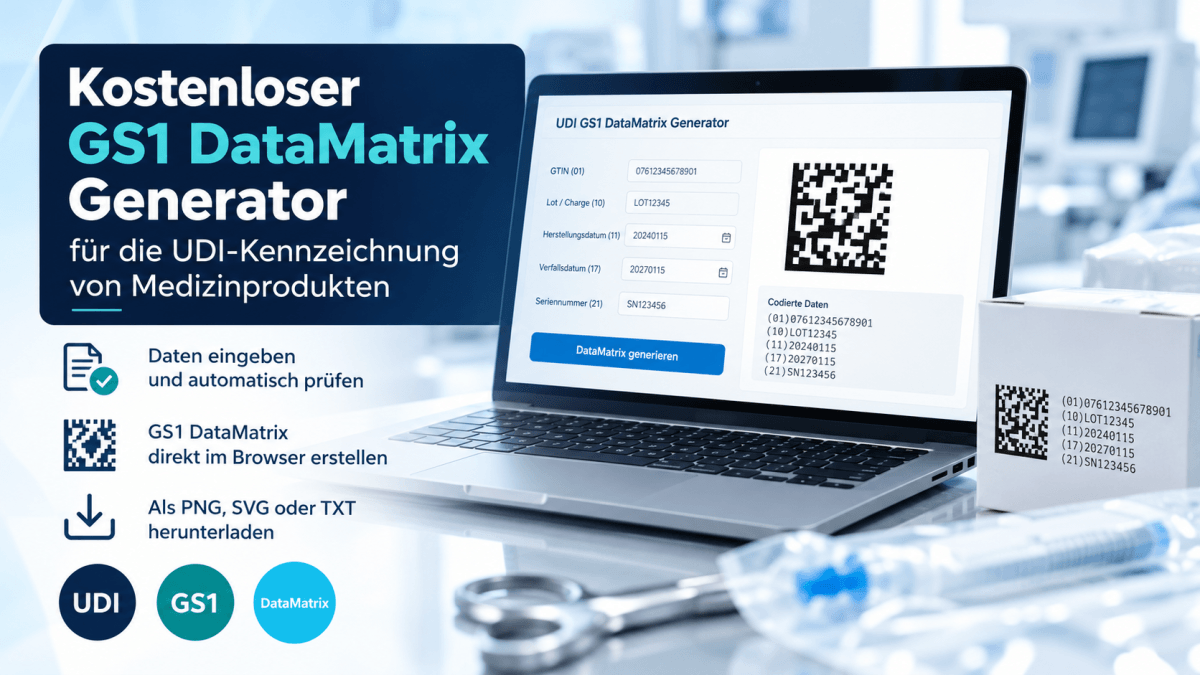
Create GS1 DataMatrix barcodes for UDI labeling directly in your browser
Correct encoding of UDI data is an important part of medical device labeling. In addition to the UDI-DI, labels may need production-related information such as batch numbers, serial numbers or expiration dates. This information must be structured correctly in the barcode according to the relevant GS1 specifications.
Europe IT Consulting has therefore launched a new free GS1 DataMatrix Generator. Medical device manufacturers and UDI specialists can enter and validate data and create a GS1 DataMatrix barcode directly in their browser, without installing additional software.
Open the free GS1 DataMatrix Generator ↗
The generator currently supports:
GTIN / UDI-DI (AI 01)
Enter a 14-digit GTIN. The tool checks its length and GS1 Modulo-10 check digit, among other requirements.
Production information / UDI-PI
Add batch or lot numbers (AI 10), serial numbers (AI 21), manufacturing dates (AI 11) and expiration dates (AI 17).
Automatic input validation
Field lengths, characters and date formats are checked. Invalid entries are flagged before a barcode is produced.
GS1 DataMatrix with live preview
The generator creates a DataMatrix ECC 200 symbol with GS1 identification (FNC1) and the required separators. The preview updates automatically when valid data changes.
PNG, SVG and TXT export
Download the barcode as a raster or vector graphic and export the encoded data in TXT format. The Human Readable Interpretation (HRI) is also displayed.
Fewer manual steps – fewer common encoding errors
A GS1 DataMatrix is different from a generic two-dimensional barcode. Application Identifiers (AIs) define the type of information that follows. For example, (01) identifies the GTIN, (10) the lot or batch, (17) the expiration date and (21) the serial number.
Variable-length fields also require correct data separation. Encoding errors may cause scanners or downstream systems to interpret information incorrectly. The generator helps users structure its supported data fields according to the technical rules.
UDI-DI, UDI-PI and Basic UDI-DI serve different purposes
The UDI-DI identifies a specific medical device; in the GS1 system, a GTIN is normally used. The UDI-PI contains applicable variable production details such as batch or serial number. The Basic UDI-DI serves a different regulatory purpose and is not encoded in the UDI barcode on the product label.
To calculate GTIN-14 check digits or identifiers such as GS1 GMN, Master UDI-DI and HIBC Basic UDI-DI, you can also use our free UDI calculator.
Technical validation is not a complete labeling assessment
The tool checks supported formatting and encoding rules. It does not confirm that the GTIN has actually been allocated by GS1. Print quality, readability of the printed barcode and regulatory suitability of the complete label must be assessed separately.
From barcode generation to complete UDI registration
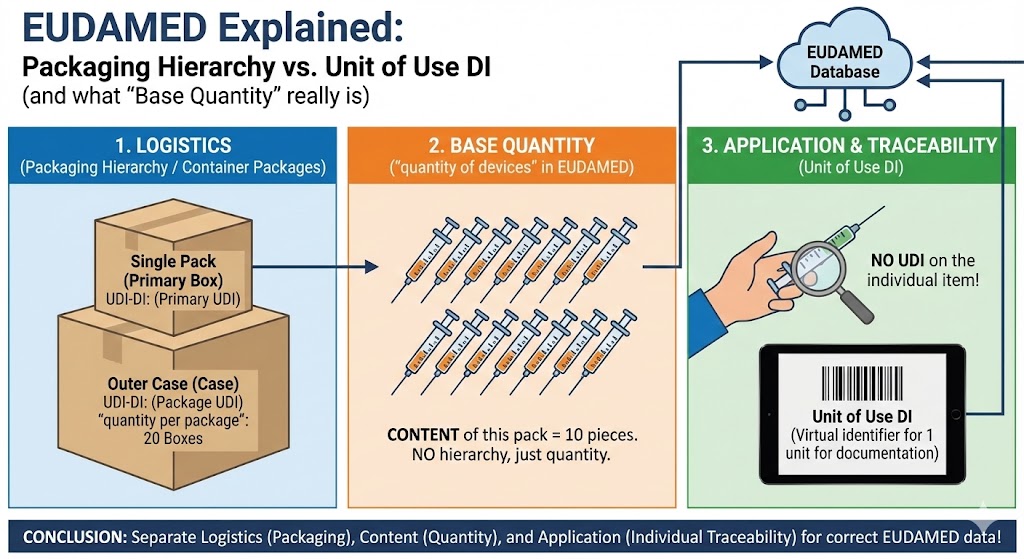
Creating a GS1 DataMatrix is one step in the UDI process, but it does not register the device in a regulatory database. Registration with EUDAMED, swissdamed or other applicable systems requires the relevant UDI and device master data to be compiled, validated and submitted.
Europe IT Consulting also supports manufacturers with these processes. For automated barcode generation in SAP, see our GS1 Barcode Generator for SAP.







Related Posts